Key Specifications
Cyberpunk 2077
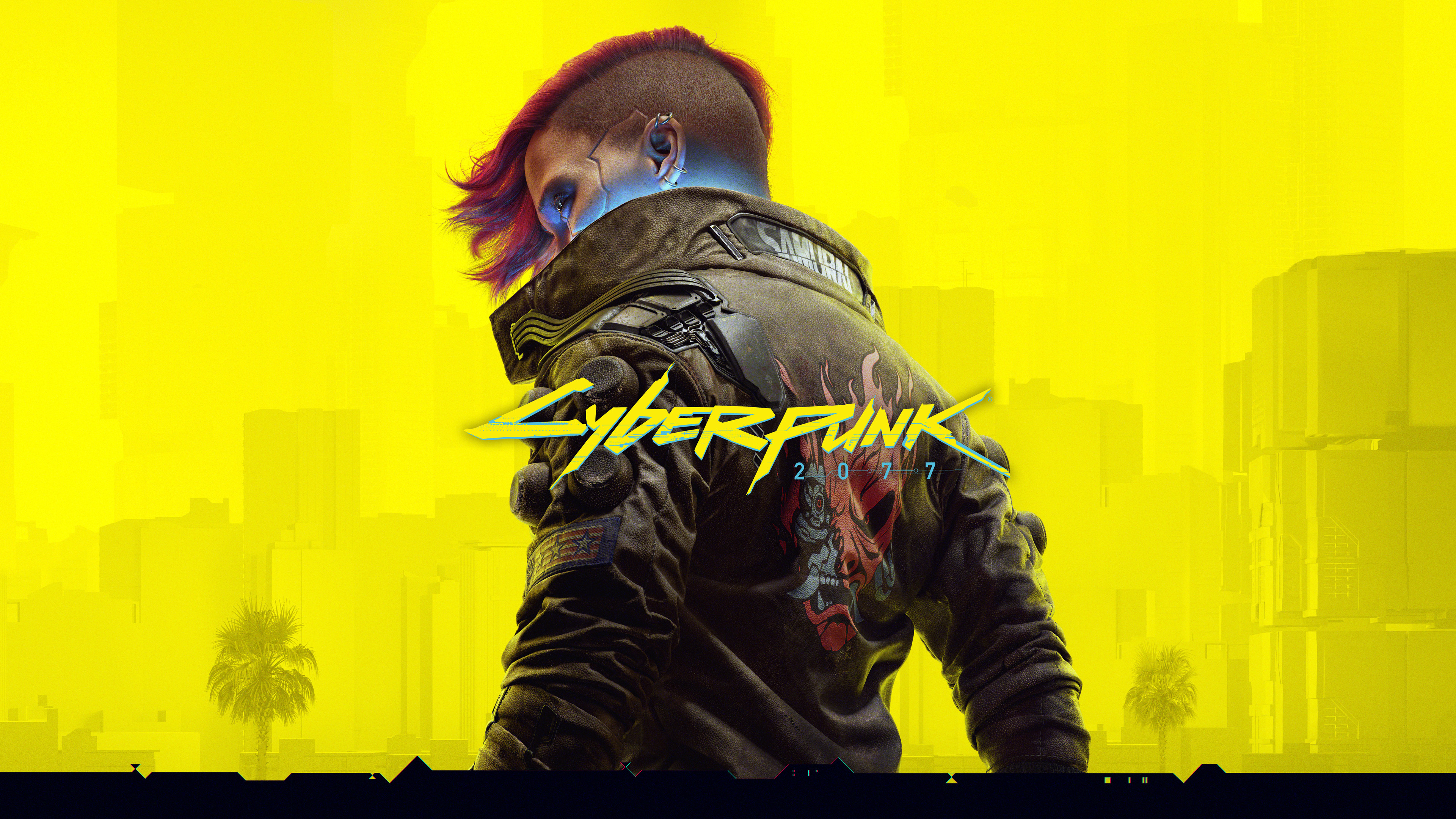
Cyberpunk 2077 is an open-world, action-adventure RPG set in Night City, a megalopolis obsessed with power, glamour and body modification. Play as V, a cyberpunk mercenary, and take on the most powerful forces of the city.
🟢 Official Store Account in Stock (1 Available)
Verified WorkingThis game is delivered via a pre-secured official account. The login credentials, 2FA code generator, and lifetime setup guide will be instantly unlocked in your library dashboard after a successful checkout.
PC System Requirements
Windows 10 64-bit
Intel Core i7-6700 or AMD Ryzen 5 1600
12 GB RAM
GeForce GTX 1060 or Radeon RX 580
70 GB SSD space
Version 12
Account Setup & Delivery
Once purchased, you will receive your official account login details (Username & Password) instantly in your library dashboard. Follow the platform setup guide below:
1. Log in to the launcher (Steam, Epic, EA, etc.) using the provided account details.
2. Go to settings and turn off Cloud Saves / Cloud Sync.
3. Download and install the game.
4. Launch the game once, then switch the client to Offline Mode and start playing!
1. Log in using the provided personal/exclusive account credentials.
2. Change account security details (email, password) to your own.
3. Download the game, configure your settings, and play online with multiplayer enabled!